How to Make a Quiz for Students Fast (Free Tool, Under 5 Minutes)
Skip the blank page. Here's how to make a quiz for students fast using a free quiz maker for teachers — print-ready with an answer key, in under 5 minutes.
Read in
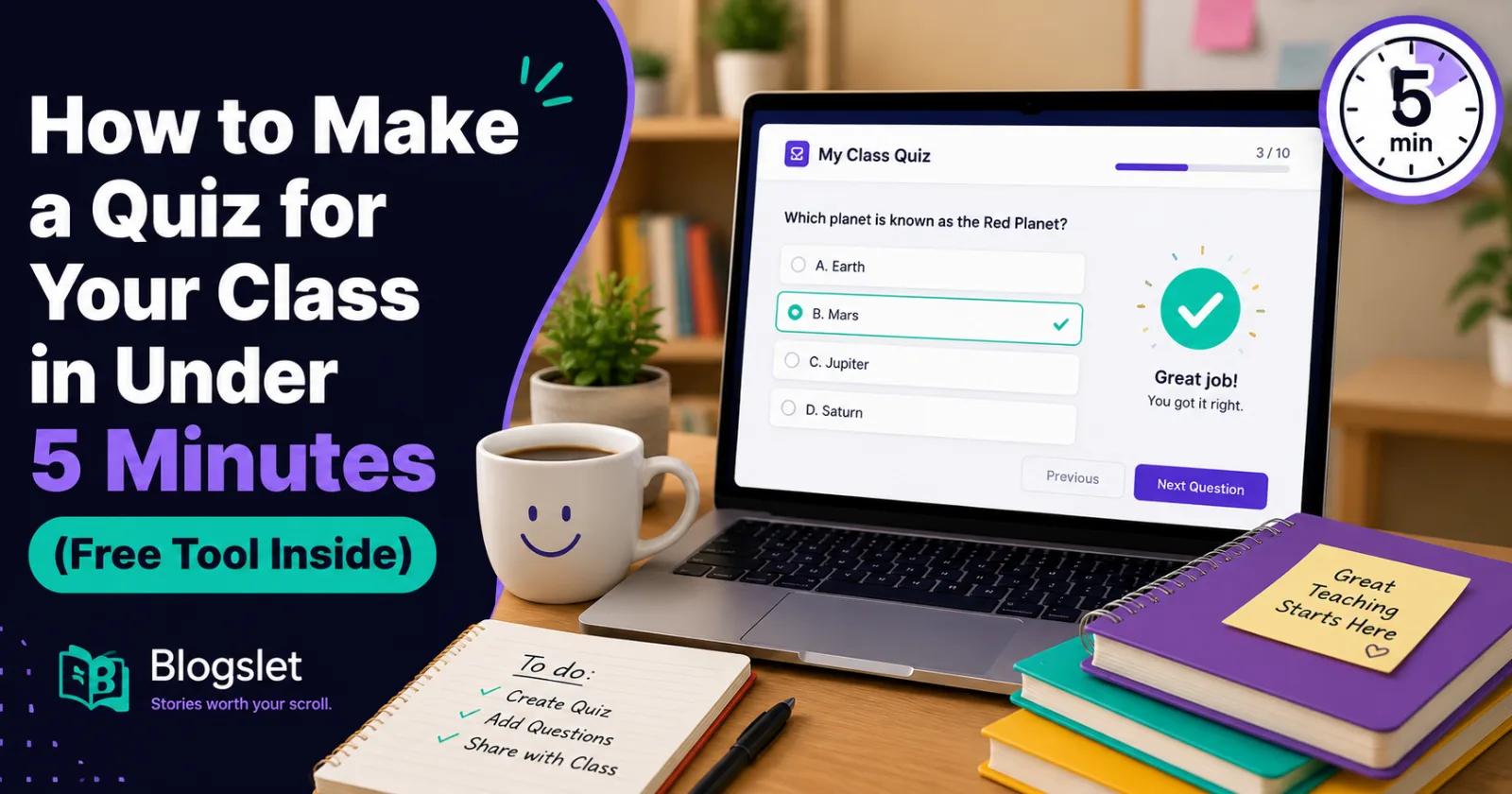
Quick Answer: If you're wondering how to make a quiz for students fast, skip the blank document entirely. Paste your topic or teaching material into a free AI quiz maker, pick your question type and difficulty, and let it generate a print-ready quiz with an answer key. What used to take 45 minutes now takes under five.
It's 9 p.m., report cards are done, tomorrow's lesson is planned, and now you remember you still need a quiz for third period. Sound familiar?
Writing quiz questions from scratch is one of those small tasks that quietly eats a huge chunk of teacher time every single week. Ten multiple-choice questions, four options each, an answer key that actually matches — it adds up fast.
Here's the good news: how to make a quiz for students fast isn't a mystery skill you need to master. It's mostly about using the right tool instead of a blank page. This guide walks you through exactly how.
What Does "Making a Quiz Fast" Actually Mean?
Making a quiz fast doesn't mean making a sloppy one. It means cutting out the parts of quiz-writing that don't need a human doing them by hand.
Writing four plausible wrong answers for every question, formatting everything consistently, and typing out a separate answer key — none of that requires your teaching judgment. It just requires time.
A free quiz maker for teachers handles that repetitive part instantly, so your time goes into reviewing and adjusting the questions instead of writing every single one from a blank screen.
Why Speed Actually Matters Here
This isn't just about saving a few minutes. For most teachers, it's about protecting the hours you don't have.
• You get your evenings back. Even 20 minutes saved per quiz adds up to hours across a semester.
• Last-minute lessons stop being stressful. A forgotten quiz the night before stops being a crisis.
• You can quiz more often. Frequent, low-stakes quizzes actually help retention — but only if creating them isn't a chore.
• Consistency improves. A generated format keeps question style and difficulty even across your quizzes.
• You still control the content. Speed doesn't mean giving up quality — you review and edit everything before it reaches students.
Fast doesn't have to mean rushed. It just means the busywork gets out of your way.
How to Make a Quiz for Students Fast: Step-by-Step
Here's exactly how to go from "I need a quiz" to "it's ready to print" in a few minutes.
Step 1: Gather Your Topic or Source Material
Pull together whatever you're basing the quiz on — a chapter, your lecture notes, or just the topic name if you want general questions. Either works.
Step 2: Open a Free Quiz Maker
Skip the blank document and go straight to a tool built for this. Teachlet's [free quiz maker for teachers]lets you paste a topic or your own material directly, with no sign-up required.
Step 3: Choose Your Grade Level and Question Type
Pick the grade level so the wording and difficulty match your students, then choose multiple choice, true/false, or a mix of both.
Step 4: Set the Number of Questions and Difficulty
Decide how many questions you need — five for a quick check, fifteen for a fuller assessment — and set the difficulty to easy, medium, or challenging.
Step 5: Generate and Review
Hit generate, then read through the questions once. This is the step that keeps quality high — you're checking, not writing from scratch.
Step 6: Print or Share
Once you're happy with it, print the quiz for students and keep the answer key for yourself. The whole process, start to finish, usually takes under five minutes.
Real Benefits of Using a Quiz Maker for Teachers
Beyond just saving time, teachers who switch to a quiz generator tend to notice a few other wins too.
• Less decision fatigue at the end of a long teaching day.
• More consistent formatting, so every quiz looks clean and professional.
• Built-in answer keys, so grading doesn't start with re-solving your own quiz.
• Easier differentiation, since adjusting difficulty takes one click, not a rewrite.
• More time for actual teaching prep, instead of formatting questions.
• Less end-of-day stress, especially on weeks that are already packed.
Common Mistakes Teachers Make When Building Quizzes Fast
Speed is great, but a few habits can undo the benefit if you're not careful.
Mistake 1: Skipping the Review Step
Generating a quiz and printing it immediately without reading it through can let an awkward question slip past you.
Fix: Always do one quick read-through before printing, even if it only takes sixty seconds.
Mistake 2: Using the Wrong Difficulty Setting
A quiz that's too easy or too hard for your class doesn't tell you much about what students actually know.
Fix: Match the difficulty setting to where most of your class currently sits, not your top or bottom performers.
Mistake 3: Not Using Your Own Material When It's Available
Generating purely from a topic name when you already have specific notes or a textbook passage can miss what you actually taught.
Fix: Paste your own material into the tool whenever you have it, so questions stay tied to your lesson.
Mistake 4: Treating Every Quiz the Same Way
Using fifteen challenging questions for a quick daily check can feel like overkill and eat into class time.
Fix: Match the length and difficulty to the purpose — a quick check needs far less than a unit test.
Quiz Types Compared: What to Use When
Quiz Type
Best For
Typical Length
Multiple choice
General understanding checks
5–15 questions
True/false
Fast, low-stakes reviews
5–10 questions
Mixed
Full assessments or unit tests
10–15 questions
Pro Tips for Building Better Quizzes, Faster
• Keep a running document of topics you'll need to quiz on, so you're never starting cold.
• Generate quizzes a day early, not the night before, so you have time to actually review them.
• Vary question types across the week to keep students on their toes.
• Reuse strong questions from past quizzes as a quick review before a bigger test.
• Use easy difficulty for warm-ups, and save challenging questions for real assessments.
• Print a few extra copies — someone always needs a fresh one.
Why Teachlet's Quiz Maker Is Worth Trying
You paste a topic or your own material, pick the format, and get a ready-to-print quiz with a clearly separated answer key — no sign-up, no credit card, and no account to manage.
It's built specifically around how teachers actually work: fast, flexible by grade level, and honest about the fact that you should always double-check results before handing them to students.
If quiz-writing has been eating into your evenings, it's worth trying the [quiz maker tool](https://teachlet.site/tools/quiz-maker) on your next lesson.
Frequently Asked Questions
Is a free quiz maker actually good enough for real classroom use?
Yes, as long as you review the questions before using them, which only takes a minute or two. Most free quiz makers, including Teachlet's, are built to give you a strong starting point that you can adjust to fit your class.
Can I make a quiz from my own teaching material instead of just a topic?
Yes. You can paste a passage from your textbook, notes, or lesson material, and the questions will be generated based on that specific content rather than general topic knowledge.
What question types can I include in a quick class quiz?
Most tools support multiple choice, true/false, or a mixed format combining both. Multiple choice works well for general checks, while true/false is faster for quick daily reviews.
How many questions should a quick classroom quiz have?
For a fast daily check, five to ten questions is usually enough. For a fuller unit assessment, fifteen or more gives a clearer picture of understanding.
Do I need to sign up to use a free quiz maker for teachers?
Not with most modern tools, including Teachlet's. You can generate and print a quiz without creating an account or entering payment details.
Will an AI-generated quiz match my exact grade level?
Yes, if you select your grade level before generating. The tool adjusts wording and difficulty to match, though it's always worth a quick review to make sure it fits your specific class.
Final Thoughts: Stop Starting From a Blank Page
Knowing how to make a quiz for students fast really comes down to one shift: stop building every quiz from scratch, and let a tool handle the repetitive part.
Try it on your next quiz — paste in a topic, pick your settings, and see how much time you get back. Chances are, that 9 p.m. scramble becomes a five-minute task instead.